THE REAL-LIFE BUYING GUIDE
Smart buttons for shared homes: make routines easy to use
Give the household a simple physical control for useful routines, with fewer app-dependent steps.

Buying links currently go directly to official brand sites without affiliate tracking. Read our disclosure.
You can turn off the lights from your phone, but a guest cannot find the right switch. A smart button can make connected lighting more useful by putting an obvious control in the room. The best choice is not necessarily the one with the most possible gestures. It is a control that performs a few understandable actions in the system you already own, in the place people naturally reach.
The quick shortlist
| Your situation | What to look for | The tradeoff |
|---|---|---|
| Guest-friendly room | Clear on-and-off control Makes lighting understandable without phone access. | The system must support the desired actions. |
| Bedside habit | Compatible compact button Places a useful action where reaching a switch is awkward. | Consider accidental presses and battery replacement. |
| Existing platform | Maker-supported wireless control Can avoid adding a separate hub. | Available actions and designs may be more limited. |
Start with one clear action
Choose the most repeated need: reading light on, room off, or an evening scene. A defined action is easier to remember than several hidden gesture combinations. Multiple clicks and long presses can help an enthusiast but should not conceal the only way to do something basic. A small clear label may make a bigger difference than another automation.
Check connection before appearance
A button can require a particular hub or bridge. A shared radio protocol does not guarantee all actions are available in your chosen platform. Read exact compatibility and setup resources. If one button requires another ecosystem, compare that complete cost with a control already supported by your lights. Avoid unnecessary infrastructure for a minor convenience.
Place it where the habit occurs
A bedside button belongs within reach, while a room control may belong near the entrance. Check removal instructions and surfaces before mounting. Visitors and children should be able to use it comfortably where appropriate. Keep battery and reset access practical. A neat location that nobody remembers is not the best location.
Keep the result predictable
Cycling through many scenes can leave someone repeatedly pressing to find ordinary light. Defined on and off actions may be clearer than a toggle when several controls affect one room. Test recovery after a bulb loses power or someone changes settings in an app. People should be able to restore useful lighting without troubleshooting.
Test one before repeating
Check battery type, replacement access, and low-battery indications. Keep another suitable way to control important lighting. Try one button for several days before ordering a set for the house. The experience can reveal whether the original problem was missing hardware, unclear room names, or a routine too complicated for daily use.
Check the exact version before ordering
Product families can contain versions with different connections, included accessories, or regional requirements. Open the official manufacturer's current information and compare the model identifier with the item in your basket. Read the setup and compatibility instructions before paying. A discount is less useful if the missing accessory costs more than expected or the device cannot join the system you already use. Include batteries, mounting parts, hubs, and any ongoing service in the total cost.
Choose a seller with clear return terms, and keep the packaging until you have checked physical fit, setup, and the everyday controls. Use the manufacturer's supported installation method rather than improvising around a missing bracket or an unsuitable power supply. If the setup is more complicated than the job it solves, a simpler conventional product may be the better purchase.
How these recommendations were made
This is a scenario-based buying guide informed by published manufacturer resources. It does not claim hands-on testing, measured performance, or a numerical product ranking. The recommendations explain which product type may fit a household routine and where the tradeoffs arise. Follow the source links to check the current product range and exact requirements; availability and feature support can change. An editorial scene illustrates the setting, rather than proving that a particular model has been tested there.
Compare the official options
Use these manufacturer pages to confirm the exact model, compatibility, return terms and current price. A range may include products with different features; check the individual listing before buying.
Browse Philips Hue controls catalog ↗Common questions
Will any Zigbee button work?
Not necessarily. Check your hub and platform's exact compatibility list.
How many actions should I add?
Start with the fewest that solve the problem. Add gestures only when people can remember them.
Does it replace a wired switch?
It is a different control arrangement. Keep an appropriate manual fallback for the lighting setup.
Sources & further reading
Manufacturer sources are linked below. Recommendations about fit are editorial judgments; specifications and availability can change.
Photography: Unsplash license. View image source.
Spotted an error? Send a correction.
Keep Exploring

Smart plugs for lamps: a simpler evening routine
Make the evening lamp routine simpler while checking appliance limits, manual controls and shared access.
Read the guide →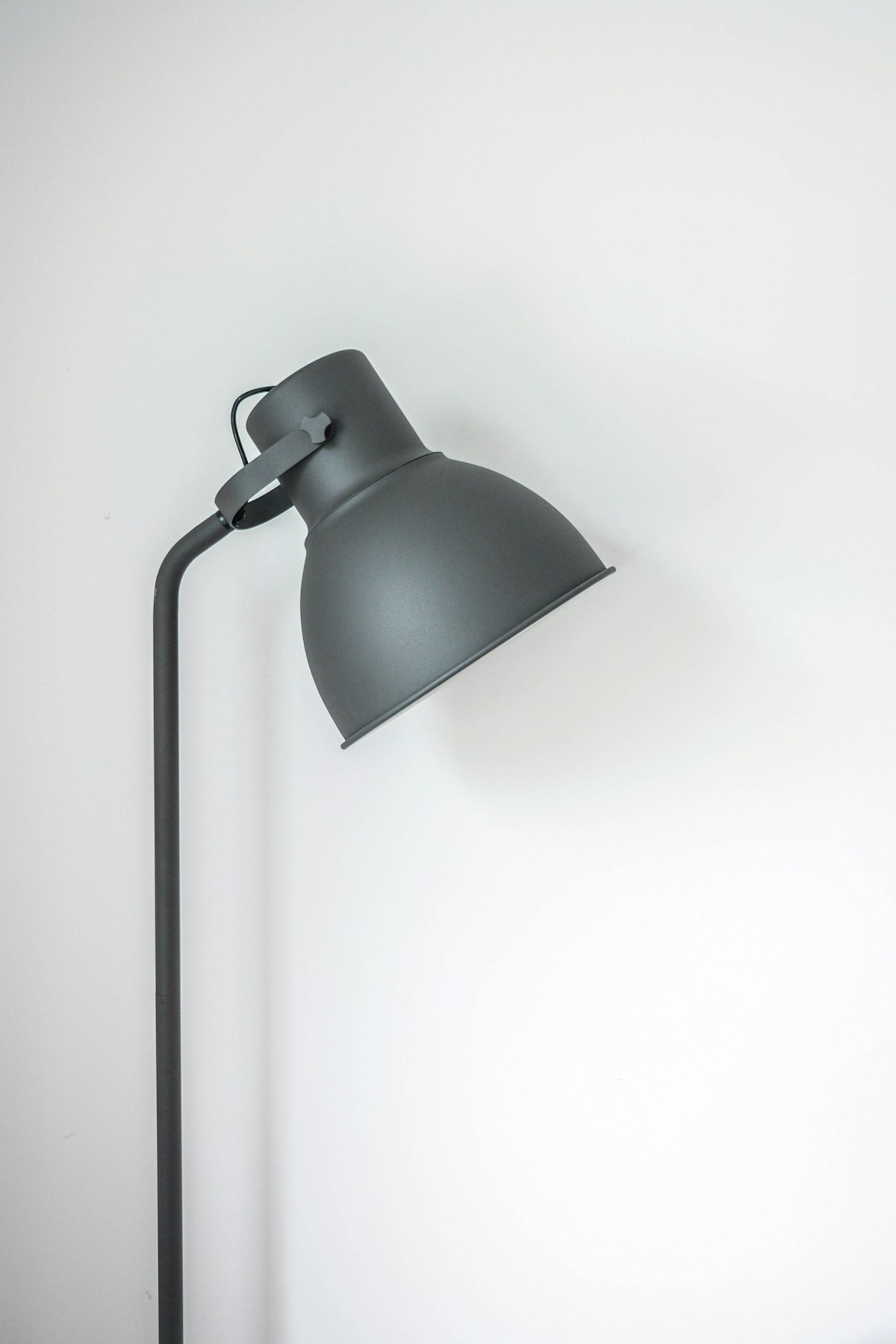
Smart bulbs for renters: upgrade the light, keep the lease simple
Choose useful lighting without replacing fixtures or making everyday switches harder to use.
Read the guide →
Robot vacuums for pet homes: buy for the daily mess
Match floor care to pet hair, clutter and the maintenance you can realistically keep up with.
Read the guide →