
Noise-Cancelling Headphones for the Everyday Commute
Choose commuting headphones around comfort, awareness, controls and your everyday bag.
Read the guide →42 practical guides. Three everyday worlds. Find your next useful upgrade.
Choose commuting headphones around comfort, awareness, controls and your everyday bag.
Read the guide →
Find earbuds that suit calls at home, between meetings and outside.
Read the guide →
Match speaker size, controls and protection to where your music actually goes.
Read the guide →
Spend on framing, mounting and lighting before chasing a larger resolution number.
Read the guide →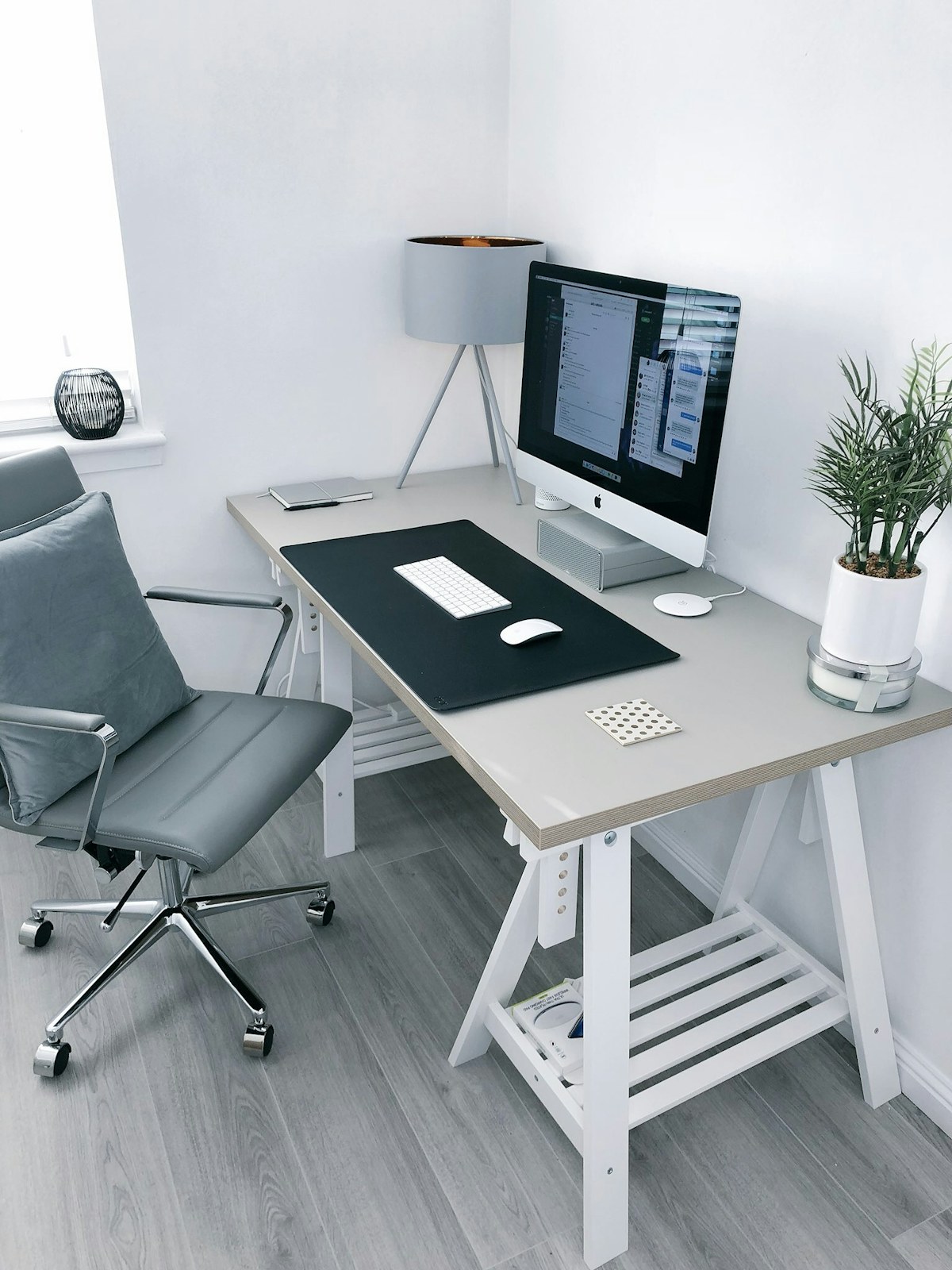
Balance resolution, desk depth, connections and adjustability for a practical upgrade.
Read the guide →
Choose around your library, reading position and bedtime routine.
Read the guide →Choose shared hardware around accounts, storage, accessories and the apps your family needs.
Read the guide →
Choose a drive around compatibility and a repeatable backup routine.
Read the guide →
Find out whether you need mesh, better placement or a wired connection.
Read the guide →
Choose a compact desktop around connections, software and service options.
Read the guide →
Improve calls through placement, controls and a realistic desk arrangement.
Read the guide →
Check light, throw distance, streaming and sound before buying.
Read the guide →
Choose comfort, reliable chat and platform compatibility before optional effects.
Read the guide →
Check operating modes, hotel login requirements and power before buying.
Read the guide →A practical guide to sharing a charger between a laptop, phone, and everyday accessories.
Read the guide →
Choose a portable battery around your journey, charging habits, and bag space.
Read the guide →Work out which ports, displays, and charging connections your laptop really needs.
Read the guide →Buy charging, display, and data cables by their documented capabilities.
Read the guide →
Compare vertical mice, compact shapes, and trackballs around your available space.
Read the guide →
A guide to layout, switch feel, and realistic sound expectations in shared rooms.
Read the guide →
Choose a stable, packable setup that can disappear before dinner.
Read the guide →
A monitor arm only saves space when the mount, screen, and furniture work together.
Read the guide →
Keep your phone visible without confusing a magnetic mount with a charger.
Read the guide →
Choose a sleeve that protects the computer without turning your work bag into a puzzle.
Read the guide →Tidy the cables you touch every day without making maintenance harder.
Read the guide →
Keep chargers and cables accessible without carrying every accessory you own.
Read the guide →
Make overnight charging convenient with sensible compatibility and placement checks.
Read the guide →
Choose a stable, straightforward support for group pictures and everyday memories.
Read the guide →
Make the evening lamp routine simpler while checking appliance limits, manual controls and shared access.
Read the guide →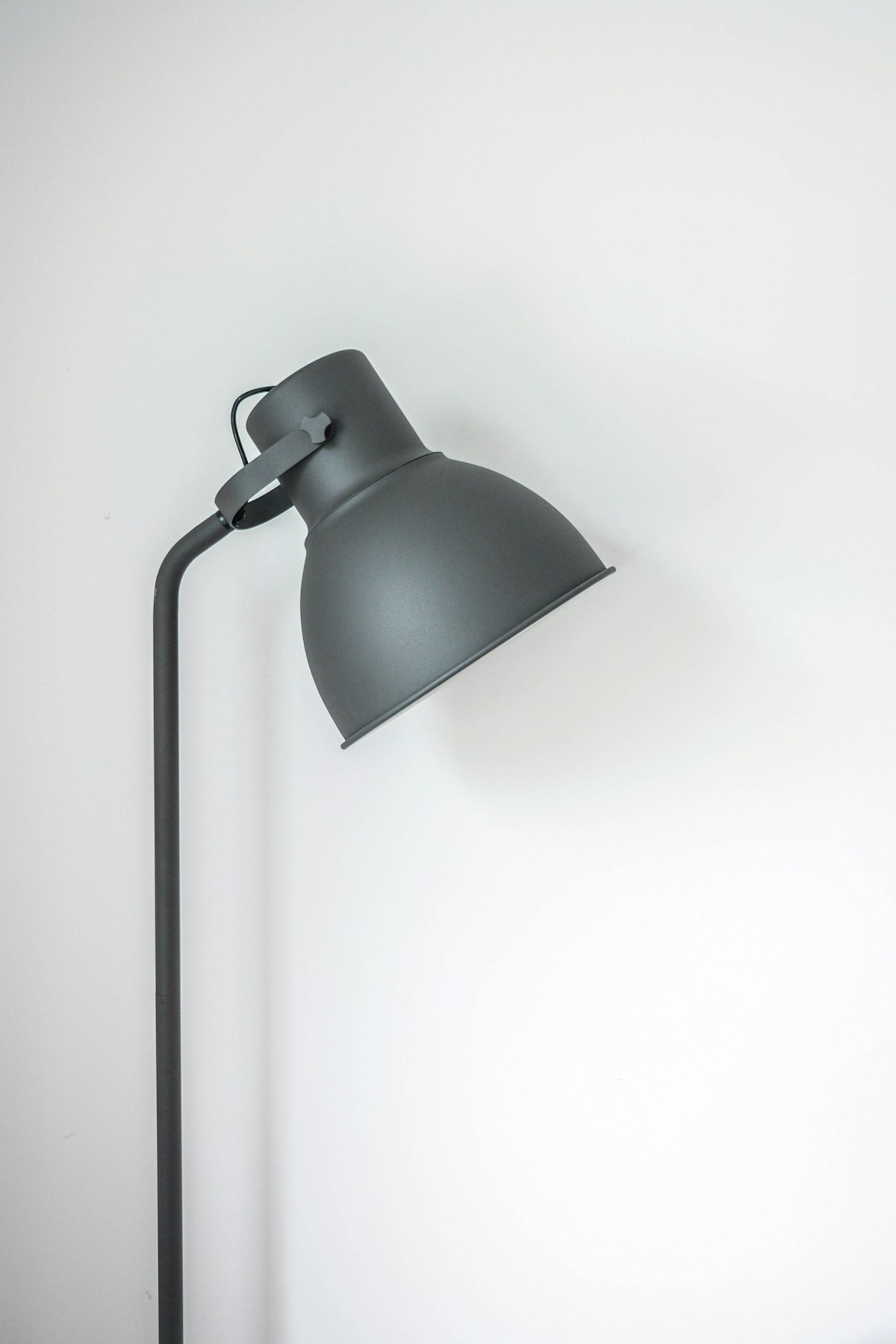
Choose useful lighting without replacing fixtures or making everyday switches harder to use.
Read the guide →
Match floor care to pet hair, clutter and the maintenance you can realistically keep up with.
Read the guide →
Check permission, mounting, power and subscription costs before adding a camera to a shared entrance.
Read the guide →
Balance a useful view of the home with consent, placement and practical privacy controls.
Read the guide →
Choose voice controls for timers and music around the way your kitchen actually works.
Read the guide →
Check your heating system, wiring and installation options before paying for connected controls.
Read the guide →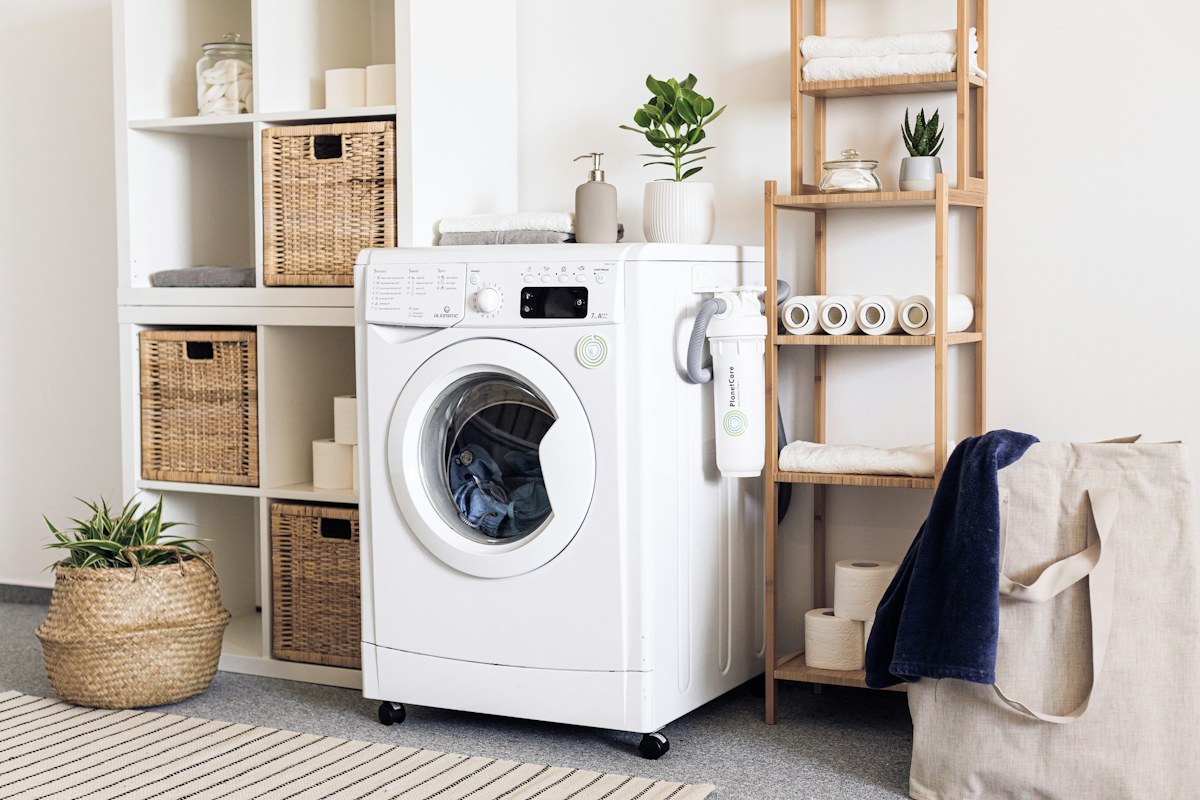
Place alerts where a small leak could become a big problem, and plan what happens when one arrives.
Read the guide →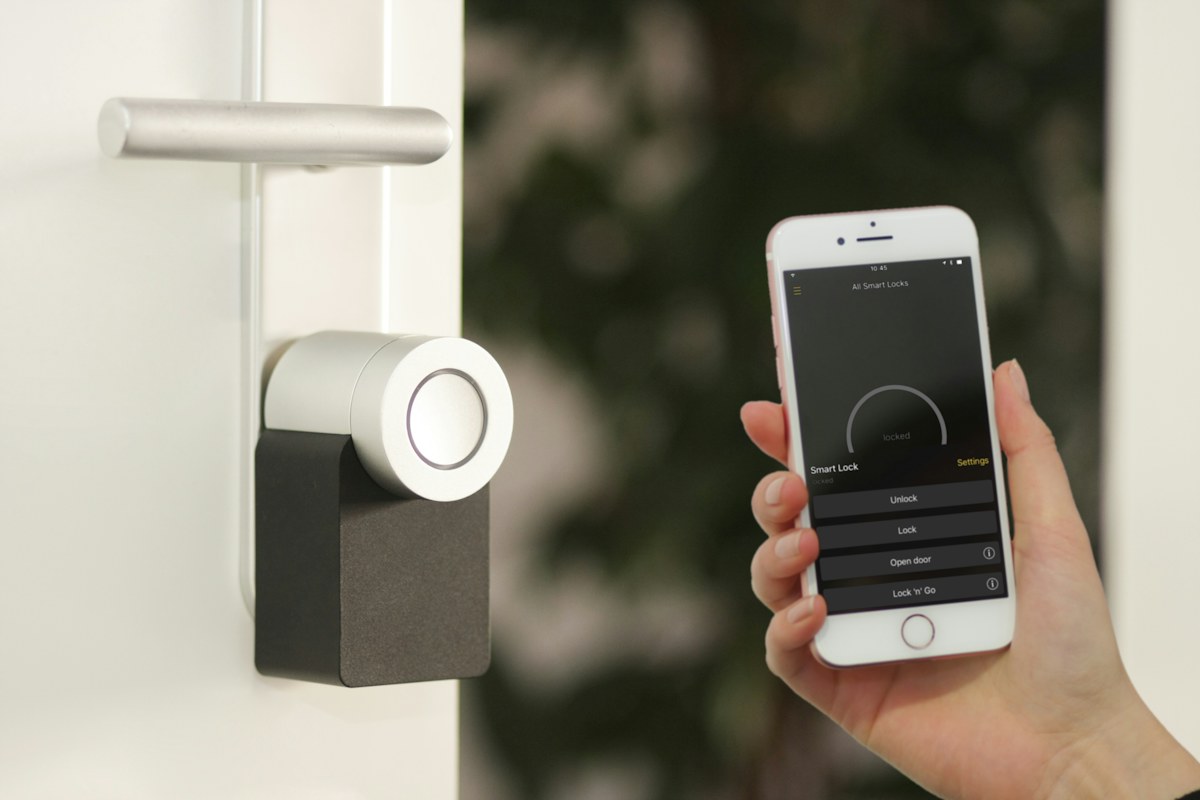
Understand permissions, door fit and backup access before changing how you get into your home.
Read the guide →
Plan placement, brightness and cable routes for lighting that adds atmosphere without extra clutter.
Read the guide →
Give the household a simple physical control for useful routines, with fewer app-dependent steps.
Read the guide →
Compare blackout needs, window fit, power and everyday controls before automating the morning light.
Read the guide →
Decide which indoor measurements will help you take a useful action, and which extras you can skip.
Read the guide →
Start with one useful device and understand controllers, compatibility and the limits of the Matter label.
Read the guide →THE REALPICKLAB APPROACH
Clear buying advice. Useful tradeoffs. A little less buyer’s remorse.
Small desks, shared living rooms and busy mornings. We start with the way you actually live.
We explain compatibility, ongoing costs and the features you can comfortably skip.
Our guides cite manufacturer information and distinguish research from hands-on testing.